Blocks
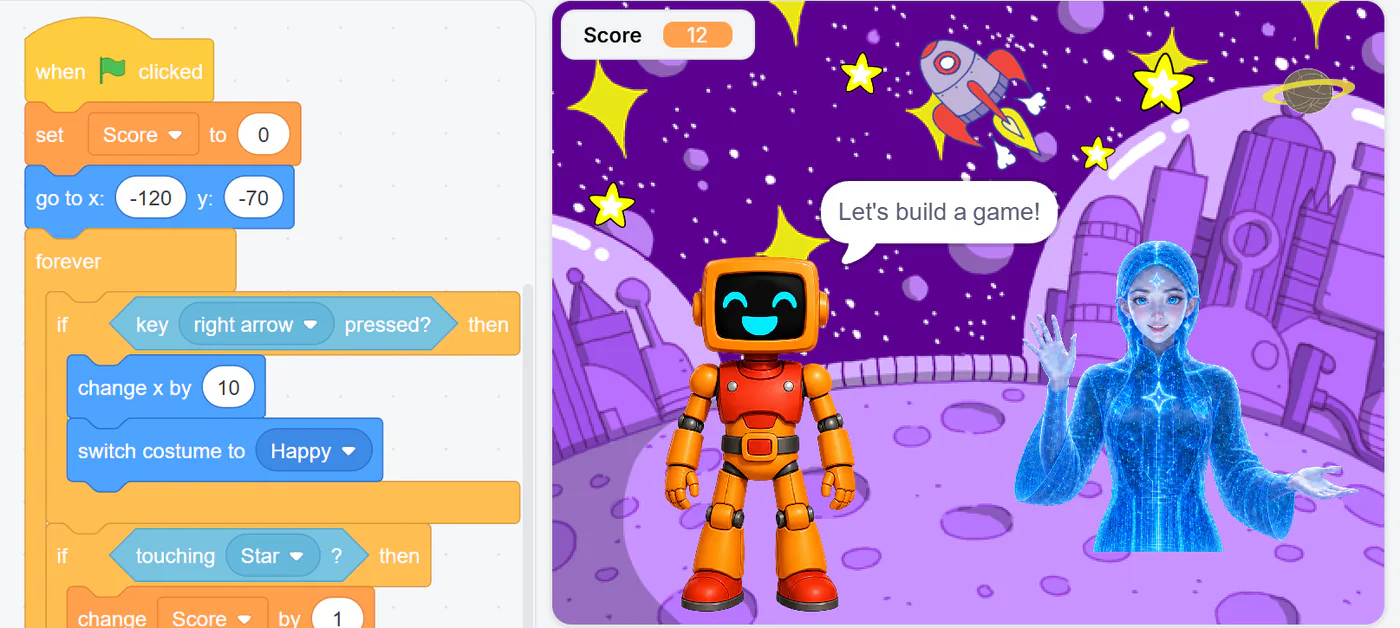
Full Scratch 3.0 blocks for games, stories and animations, plus Arduino, AI and robotics extensions.
For teachers and tech coordinators
The 11 creative tools, the AI extensions, the simulator and the Blockduino kit, with real screens from Livit Studio.
The tools
Games, apps, websites, robots, circuits, 3D models and AI projects all live in Livit Studio, so students never switch tools and teachers never juggle accounts.
Full Scratch 3.0 blocks for games, stories and animations, plus Arduino, AI and robotics extensions.
Icon blocks for ages 5–7. No reading needed.
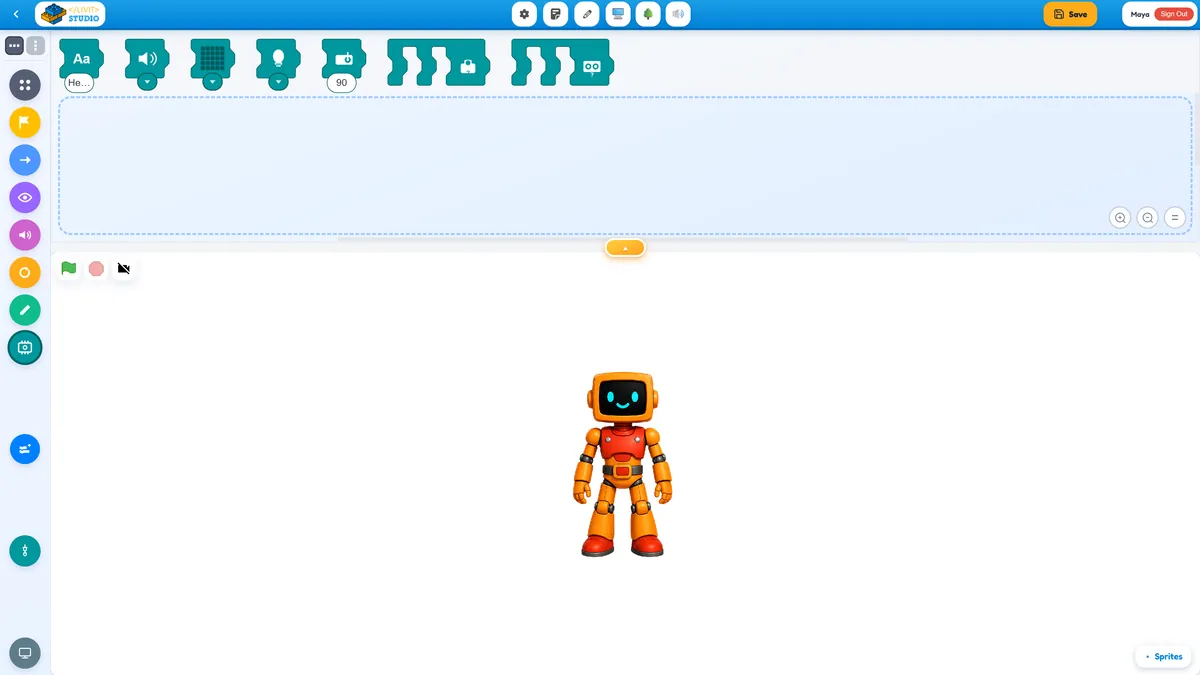
Real Arduino C++ with a built-in simulator. Upload to a real board with Livit Studio Link (Windows).
Design a real phone app with blocks: screens, buttons, charts and more.
Real Python in the browser, with charts, files and windows.
Code sprites and games in Python: sprite.move(10).

HTML, CSS and JavaScript with a live preview.
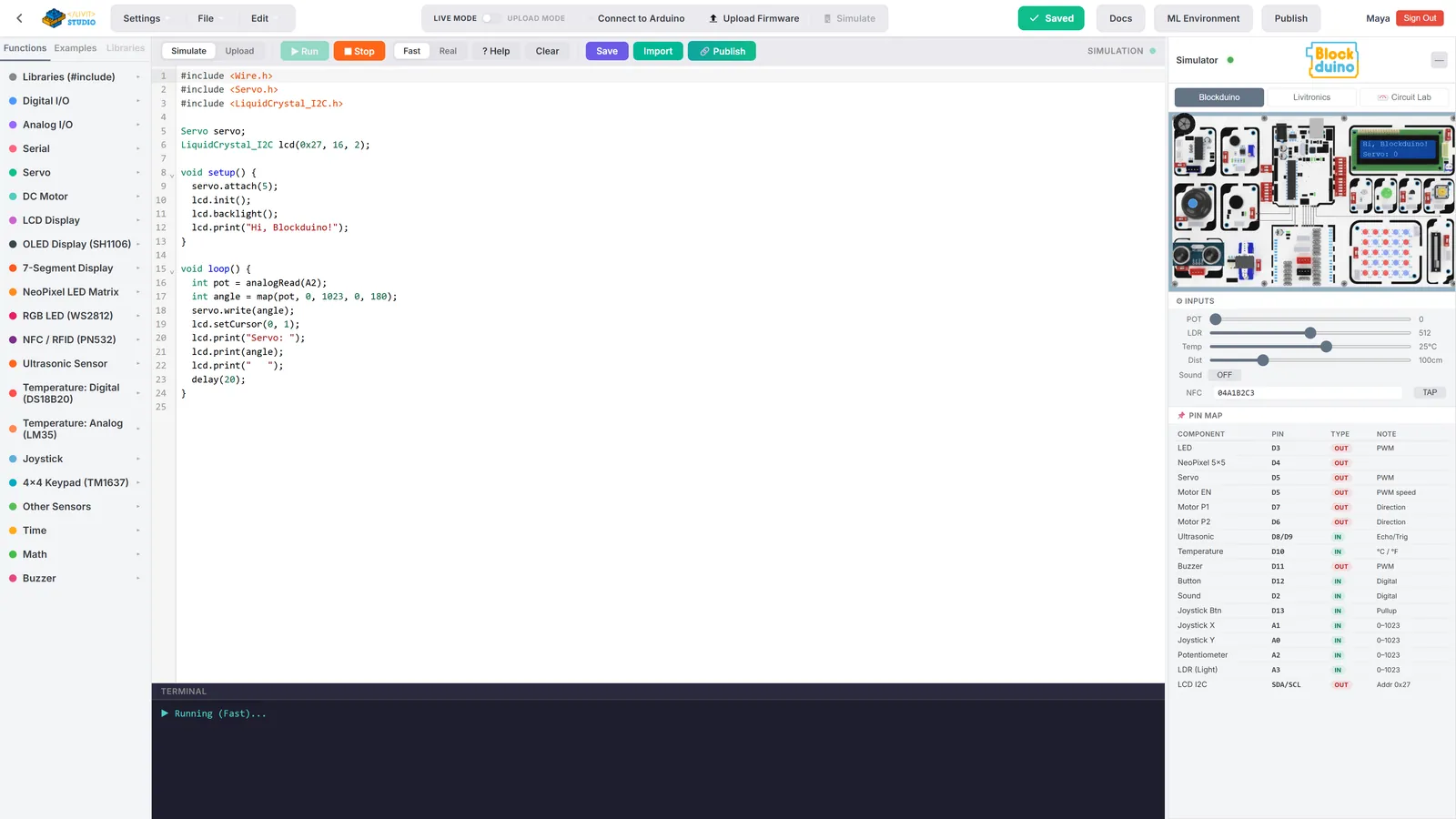
Build 3D worlds and VR / AR experiences with blocks.
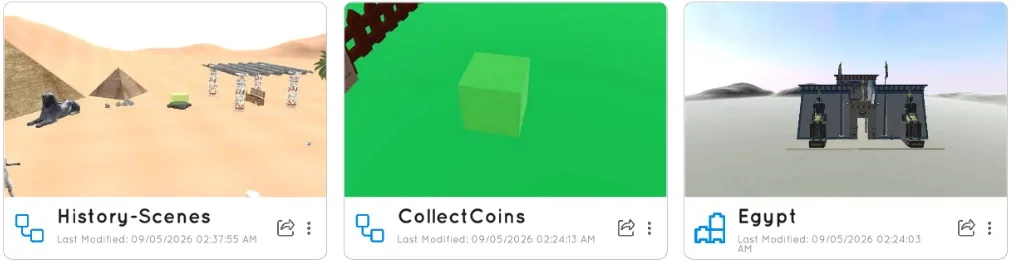
Program a virtual robot through missions in a 3D world, then see it in AR on a phone.
24 shapes, holes and groups. Export STL, OBJ or GLB to print.
Turn a board into a live dashboard of gauges, charts and switches.
Robotics and logic for young learners.
Coming soon
From blocks to real code
Moving up the path doesn't mean starting over. The same program is written in blocks, then Python, then Arduino C++. The thinking stays the same; only the language grows up.
Press the green flag, then switch tabs.
AI literacy
Students don't just use AI. They train a model on their own photos, sounds or poses, and it runs on the school's own devices. Ten AI extensions let their projects see, hear and talk.

The AI extensions, as students see them in Livit Studio






Hands-on
“Do we need to buy a lot of hardware?”
Every student starts in the simulator, on the laptops, Chromebooks and tablets you already own. You add hardware when you choose to, never just to start.
Step 1 Build and test in the simulator
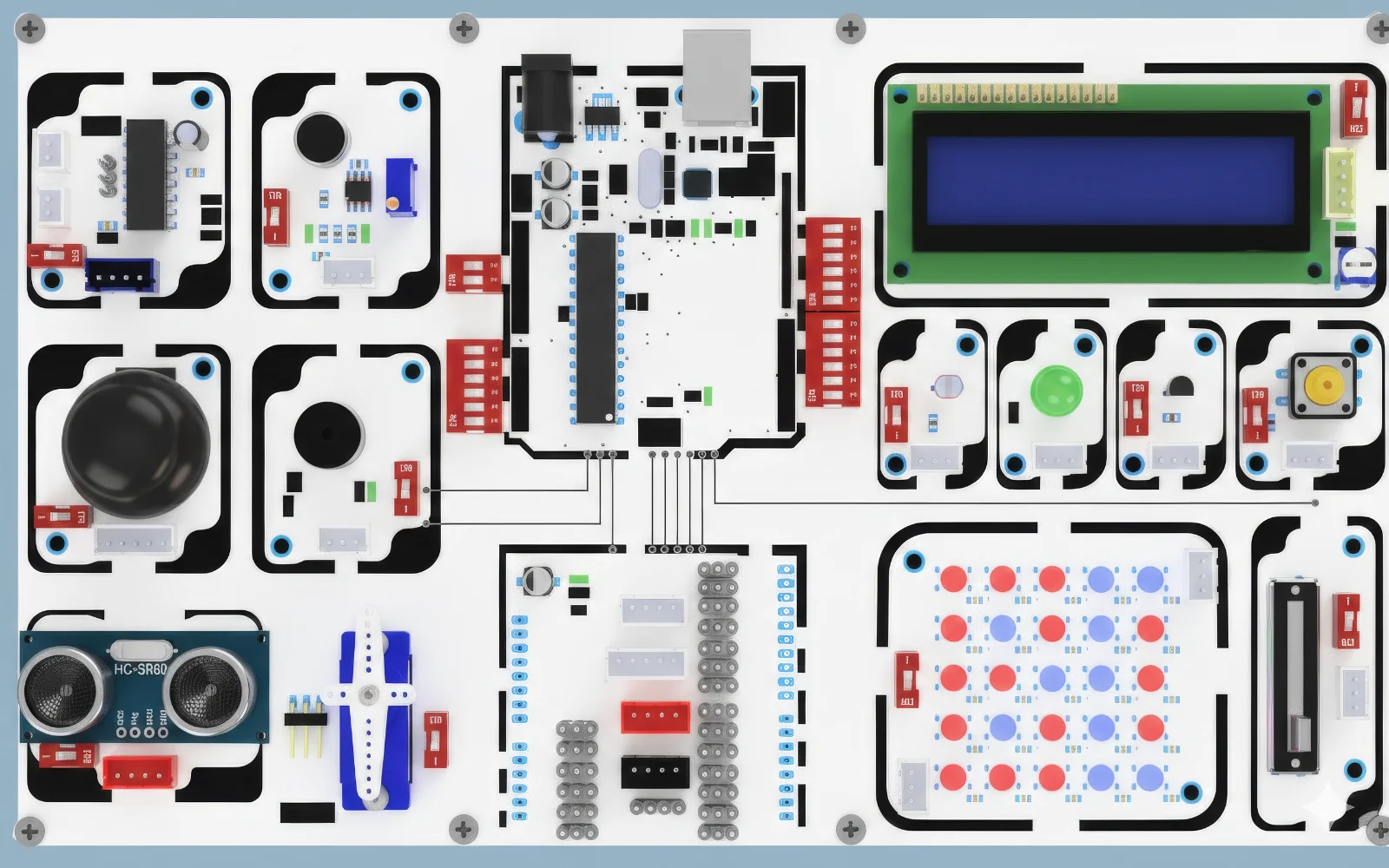
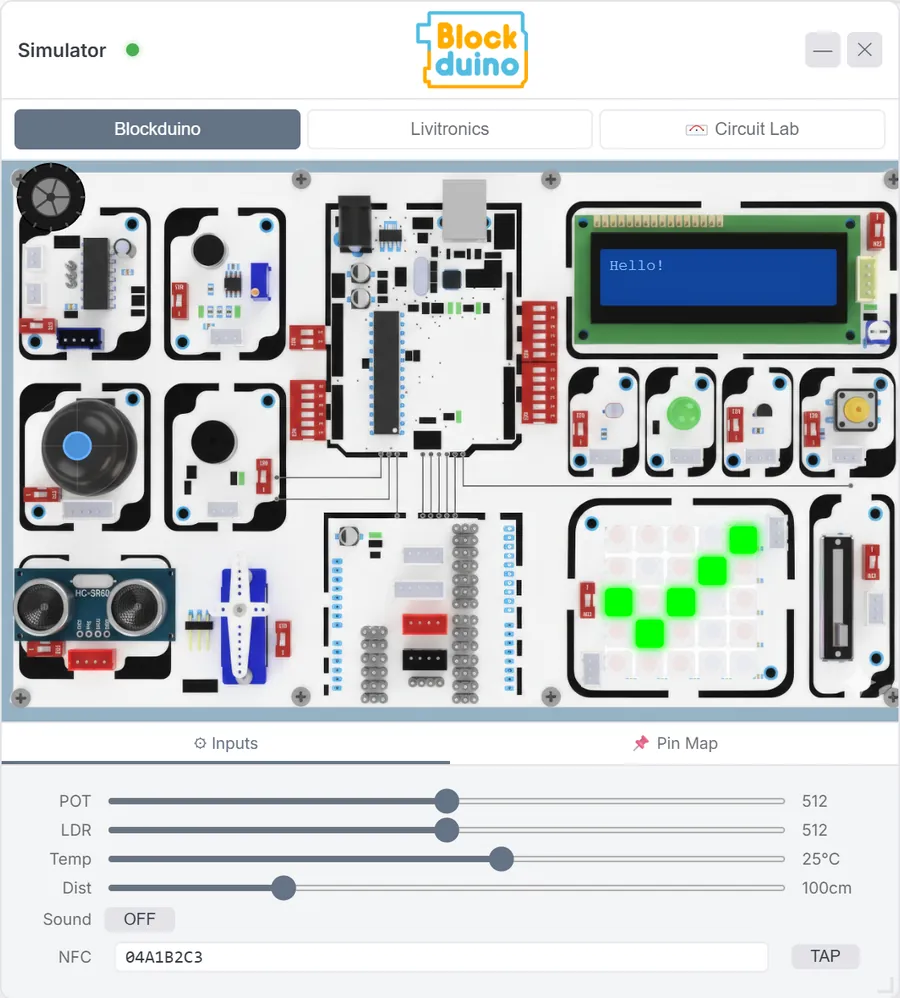
Every module of the real kit, on screen. Students write the program and watch the LCD, LEDs, matrix, buzzer and servo respond, with sliders for the sensors. Live Mode gives instant feedback; Upload Mode compiles real C++.
Program Qubi through missions in a 3D world, then place it on the classroom floor in AR on a supported Android phone.
24 shapes, holes and groups on a workplane you can orbit, exported straight to a 3D printer.
Drag parts, wire them to a simulated Arduino Uno and run the real firmware.
Step 2 Take the same code onto a real board
13 modules, zero wiring. The program students tested in the simulator runs on Blockduino unchanged, so lessons move from the screen to real lights, sounds and motors.